 Add Icon
  Arrow Icon
  Briefcase Icon
  Calendar Icon
  Check Icon
  Crank Icon
  Delete Icon
  Docs Icon
  Email Icon
  Home Icon
  Key Icon
  Lock Icon
  Unlock Icon
  Minus Icon
  Monitor Icon
  Notes Icon
  Post Icon
  Printer Icon
  RSS Icon
  Warning Icon
  Write Icon
  Style 1
 Style 2
 Style 3
 Style 4
 Style 5
 Style 6
Style Variations
Super User
Published: 06 May 2012
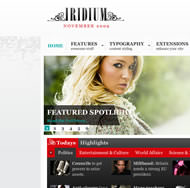
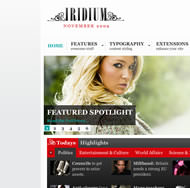
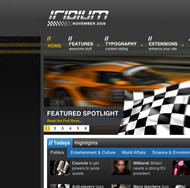
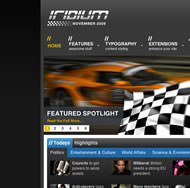
View all styles live by appending ?tstyle=style# or &tstyle=style# to the end of your URL such as http://yoursite.com/index.php?tstyle=style4.
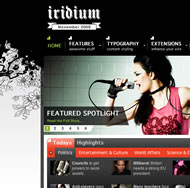
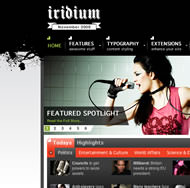
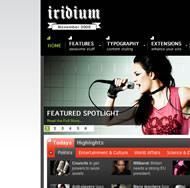
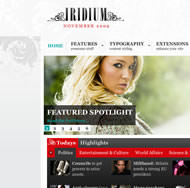
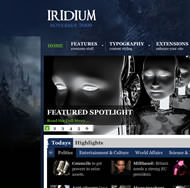
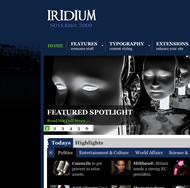
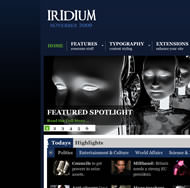
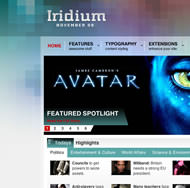
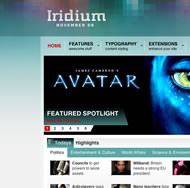
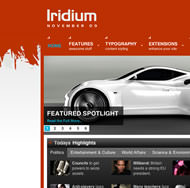
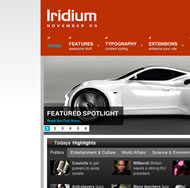
Below is a preview / screenshot of each style variation, in sequential order, Style 1 - Style 6. Please click on on the image to load a live example of each style variation.
Full
Medium
Simple



Main Menu
Login Form
Who's Online
We have 26 guests and no members online